A quick guide to getting started and frequently asked questions.
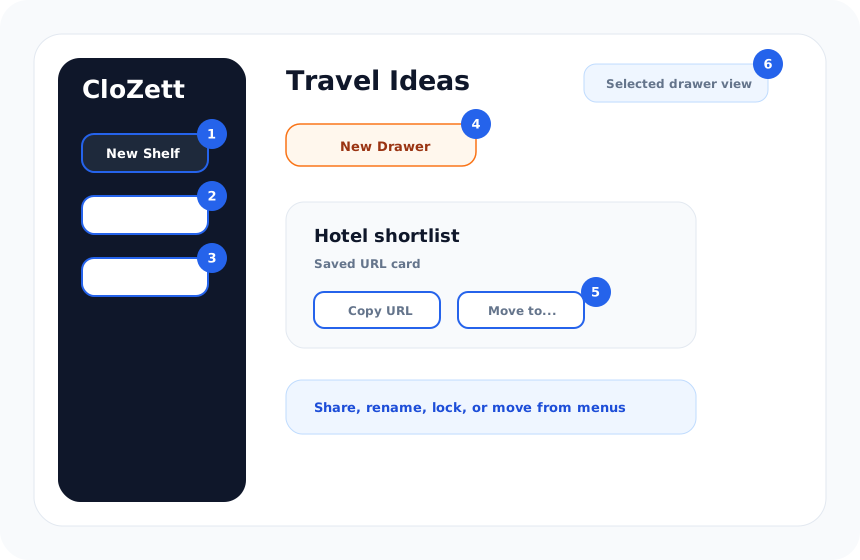
After signing in, click "Add shelf" in the left sidebar. Name it anything β Work, Travel, Recipes, etc. The free plan allows up to 3 shelves.
Inside a shelf, add drawers to organize further. For example, inside a "Work" shelf you might have "Meeting notes" and "Tools". Free plan: up to 10 drawers per shelf.
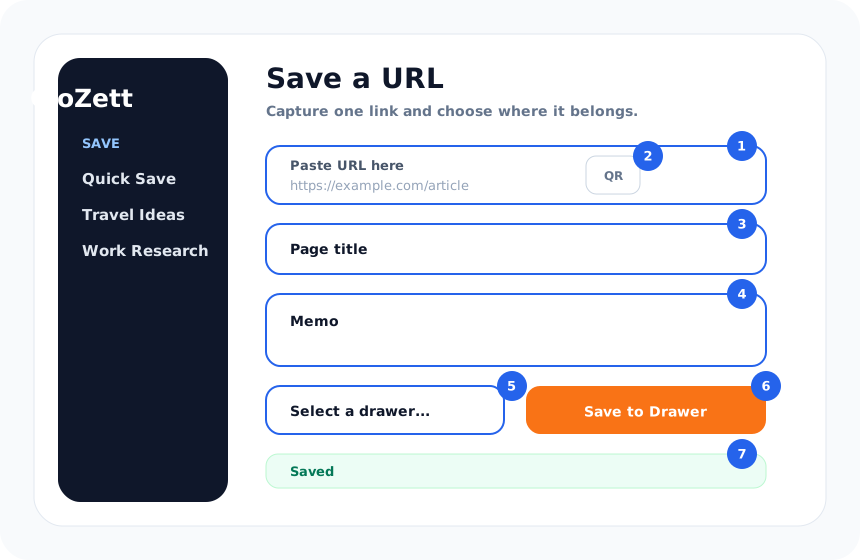
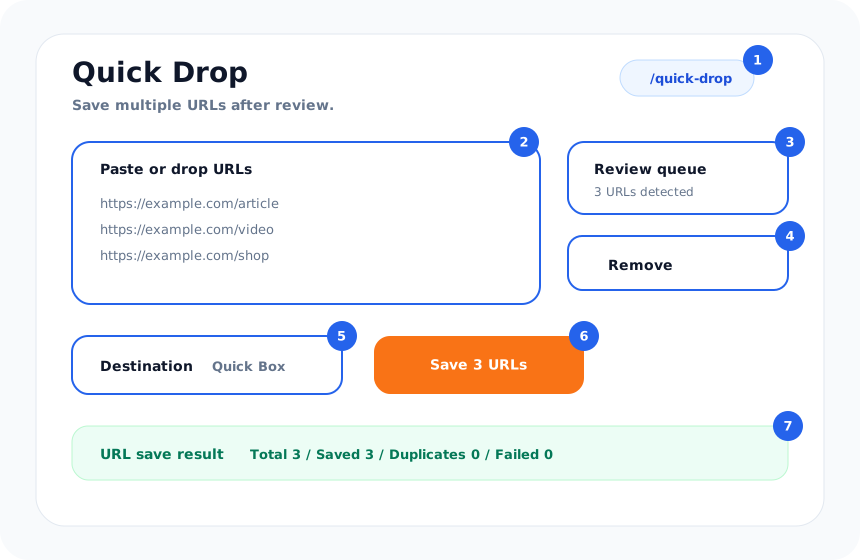
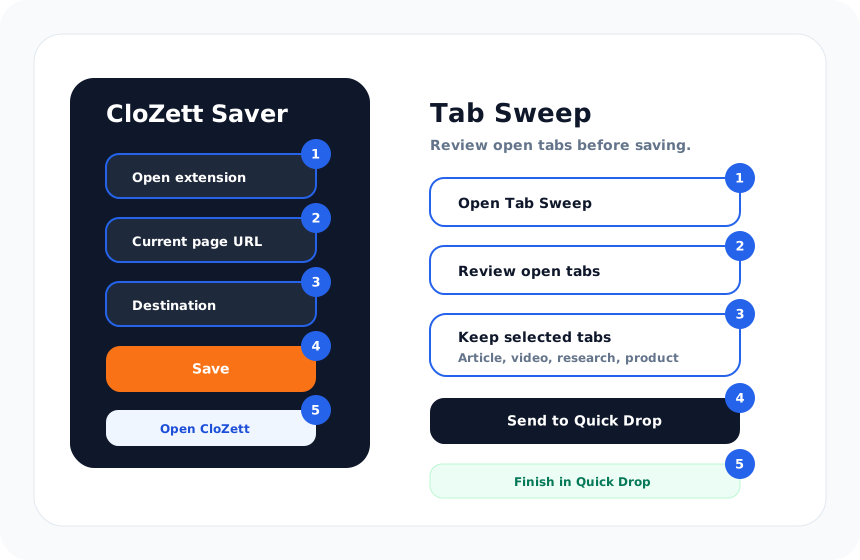
Select a drawer, paste any URL into the form on the right, and click Save. The title and thumbnail are fetched automatically.
Click the π icon next to a shelf name to make it public. You'll get a shareable URL anyone can view without logging in. Click again to make it private.
Save on your PC, view on your phone. Break the device barrier. Your CloZett instantly syncs across all environments, eliminating the need to send links to yourself.
CloZett works across Web apps and Chrome extensions, centralizing your lists in the cloud. Log into your account to instantly view the same URLs on PC and mobile.
No more sending URLs to yourself via messaging apps or pasting them into notes. Break the device barrier and enjoy a seamless experience.
Your lists are strictly yours. CloZett is technically designed so that even our staff cannot view your saved URLs. We do not sell data to third parties. All connections are encrypted.
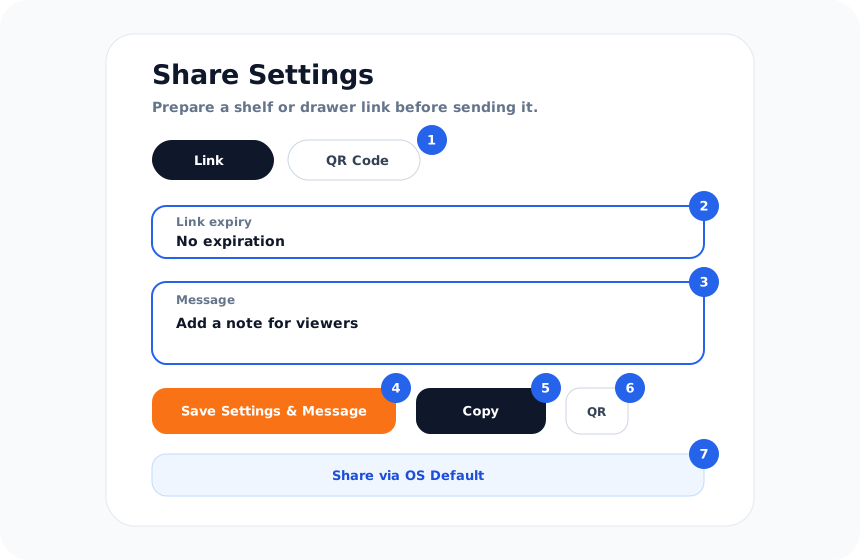
You can share or sell lists by shelf or drawer. To protect your privacy, we use the following secure design:
A new URL is generated every time you share. Re-sharing invalidates old URLs, preventing unintended continuous access.
Clicking "Make Private (Stop Sharing)" instantly invalidates the URL, blocking all external access immediately.
Set expiries like 24h, 7 days, 30 days, or Never. Once expired, the URL automatically becomes invalid. (Never is Standard+ only)
β οΈ Note: Active URLs can be accessed by anyone who has the link. Please share carefully.
A. Almost any URL works β YouTube, Vimeo, TikTok, Instagram, X/Twitter, news sites, blogs, recipe sites, Google Docs, and more. Titles and thumbnails are fetched automatically.
A. You cannot save the same URL twice in the same drawer. However, you can save the same URL in different drawers.
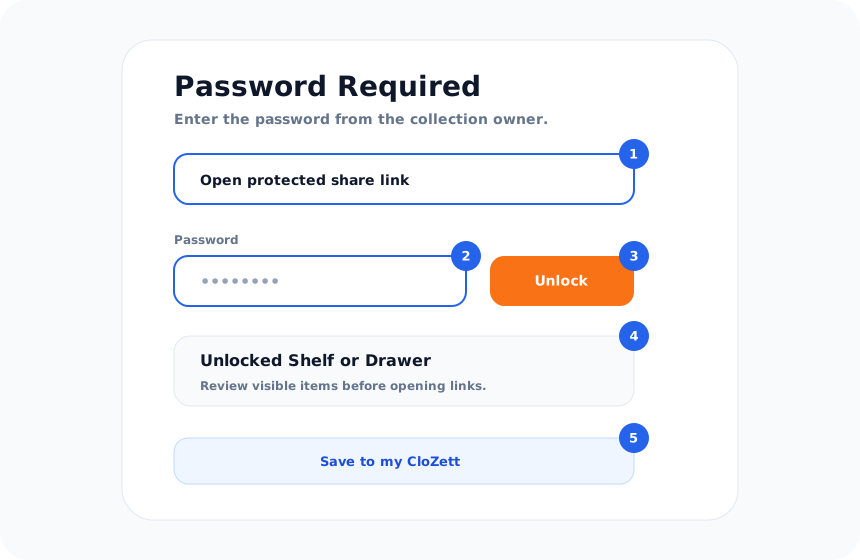
A. Public shelves get a URL in the format https://clozett.app/share/xxxxxx. Anyone with the link can view it without logging in.
A. Upgrade to a paid plan. Lite gives you 5 shelves and 500 URLs, Standard gives 10 shelves and 1,500 URLs, Pro gives unlimited everything.
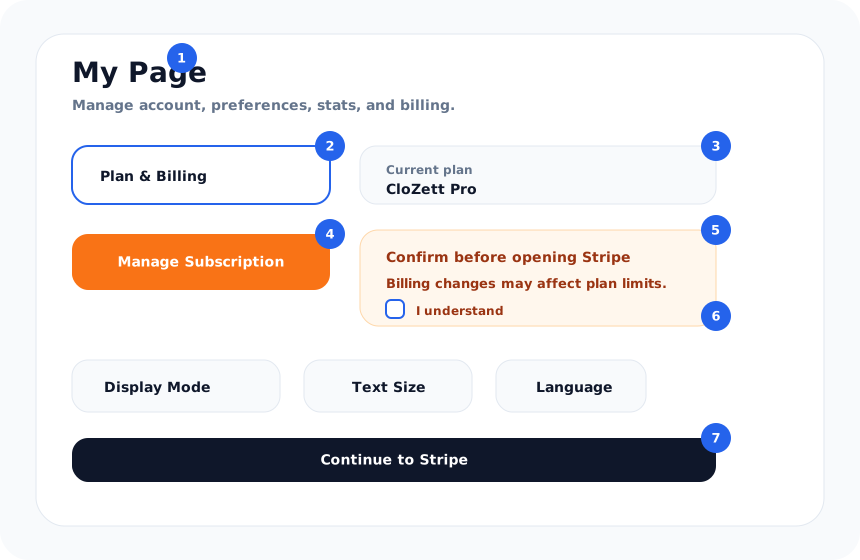
A. Yes, you can upgrade or downgrade anytime. When downgrading, your existing data stays intact but you cannot add new items beyond the plan limits.
| Free | Lite | Standard | Pro | |
|---|---|---|---|---|
| Shelves | 3 | 5 | 10 | Unlimited |
| Drawers/shelf | 10 | 10 | 15 | Unlimited |
| URLs | 100 | 500 | 1,500 | Unlimited |
| Price | $0 | $0.99/mo | $1.99/mo | $3.99/mo |
| Ads included | β | β | β | β |